
How it works
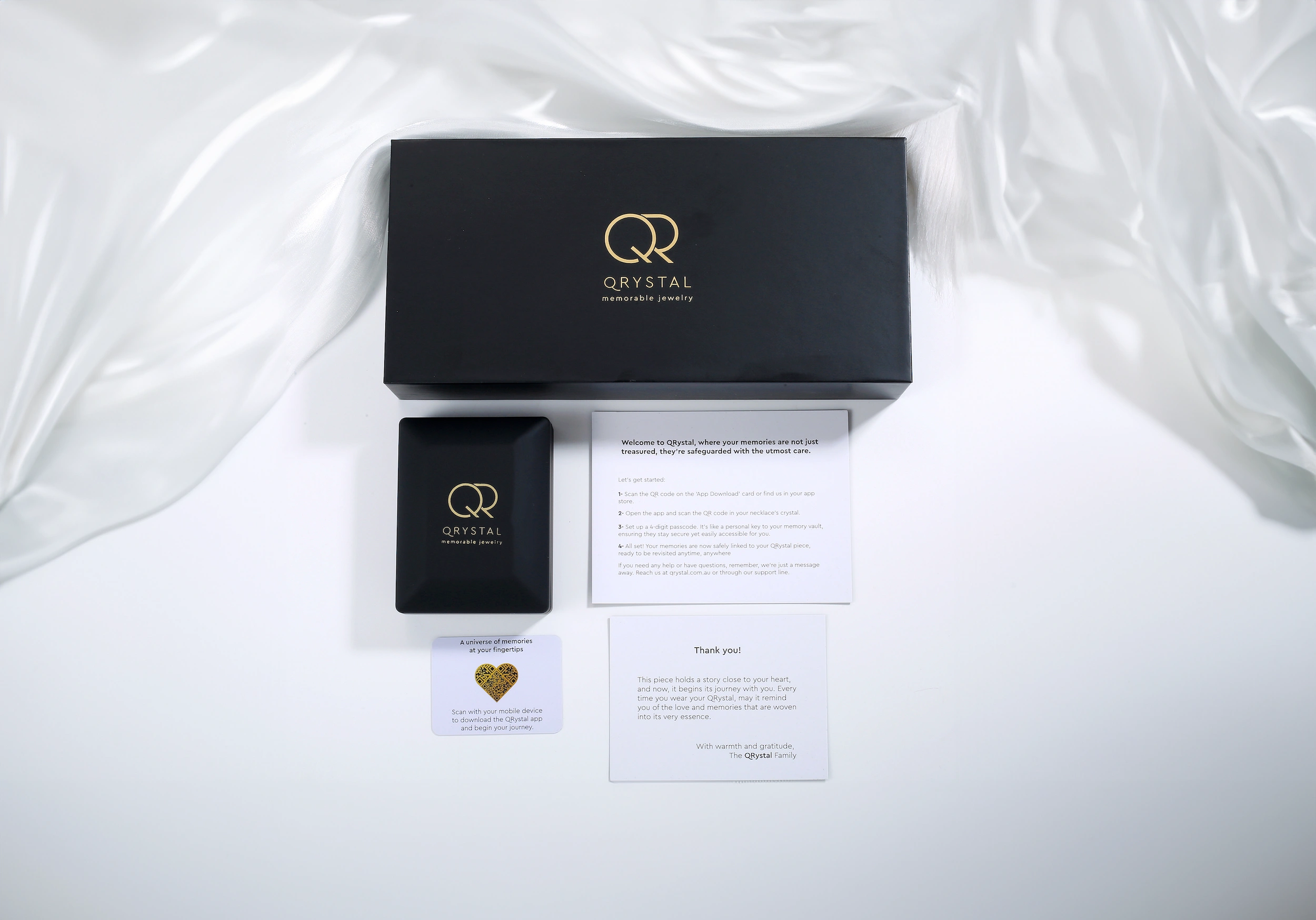
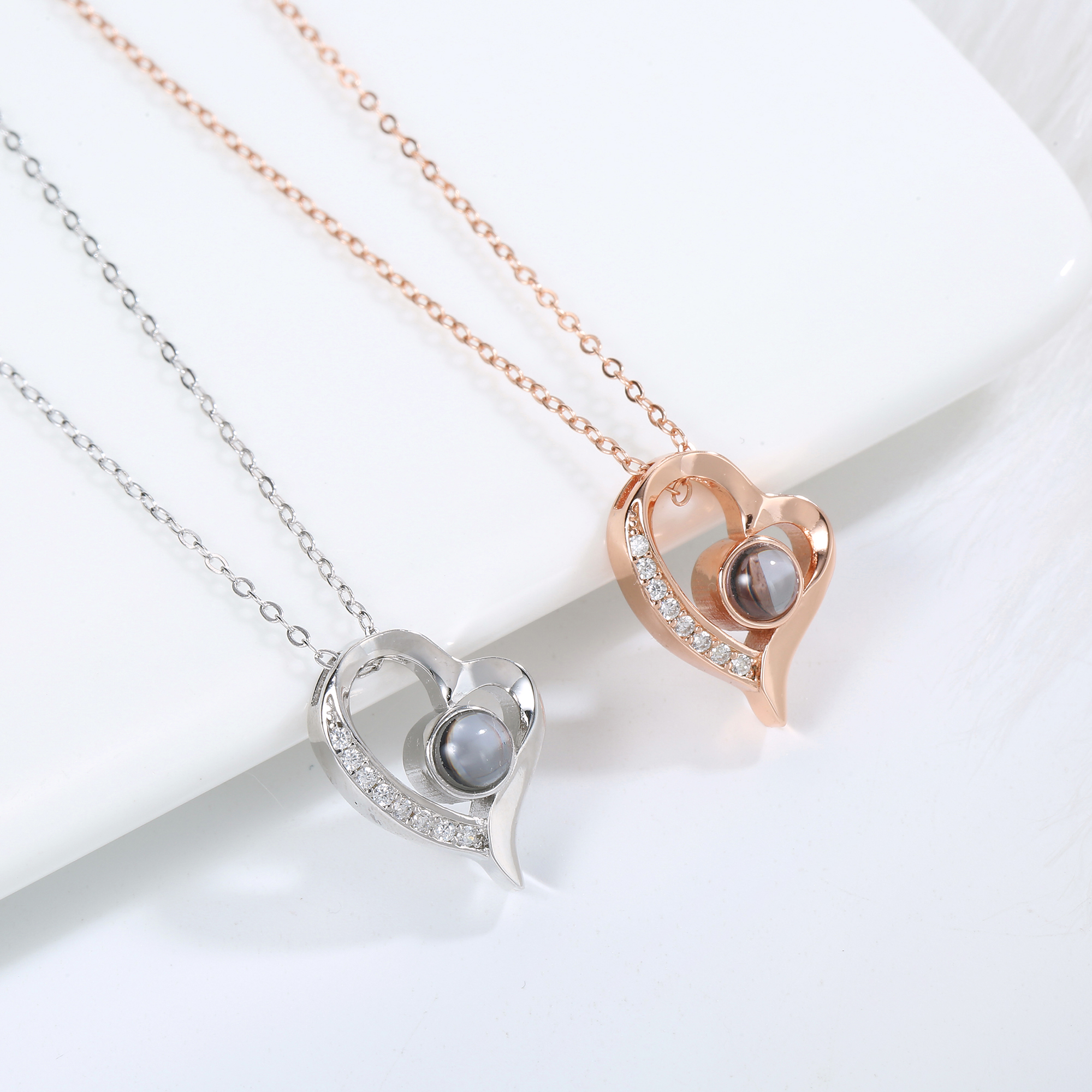
A simple, beautiful way to carry what matters.
2. Create the Memory
After checkout
Your pendant appears under My Products in your account. Open it and:
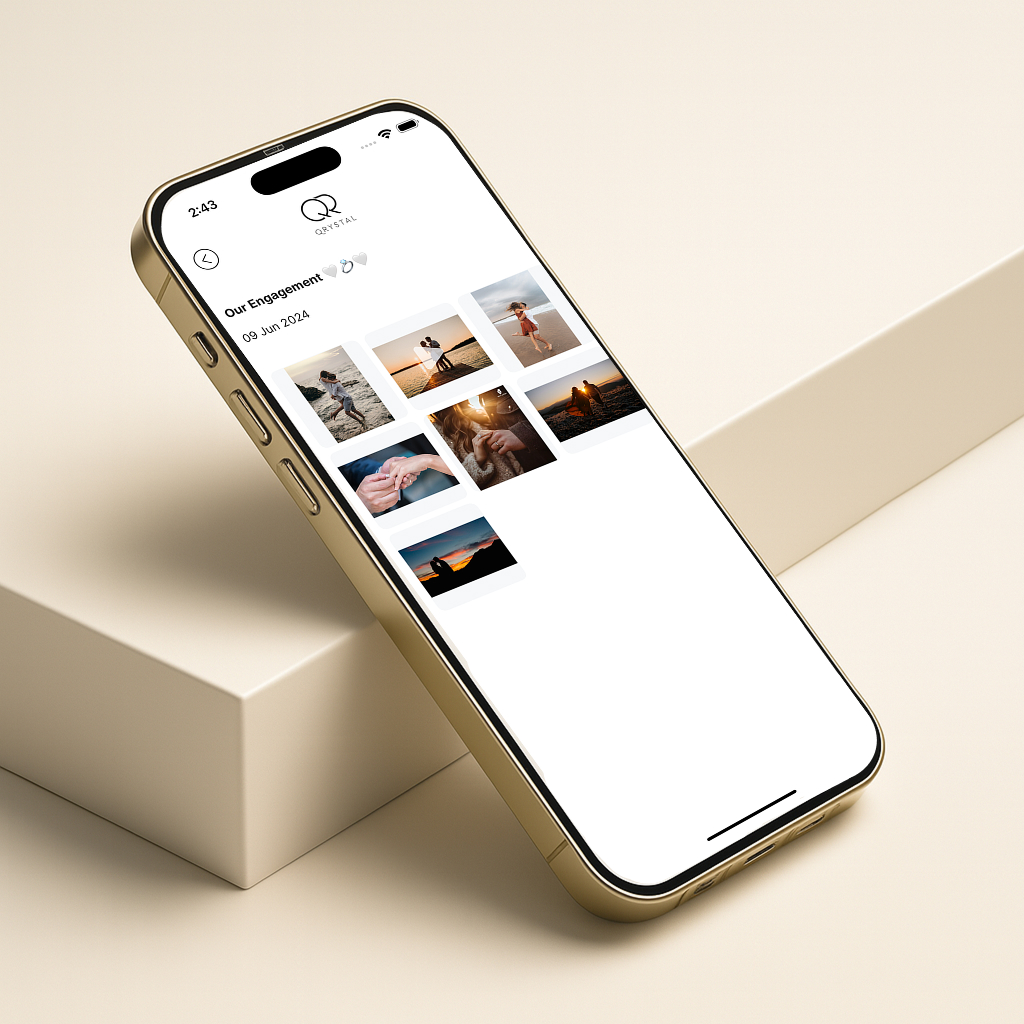
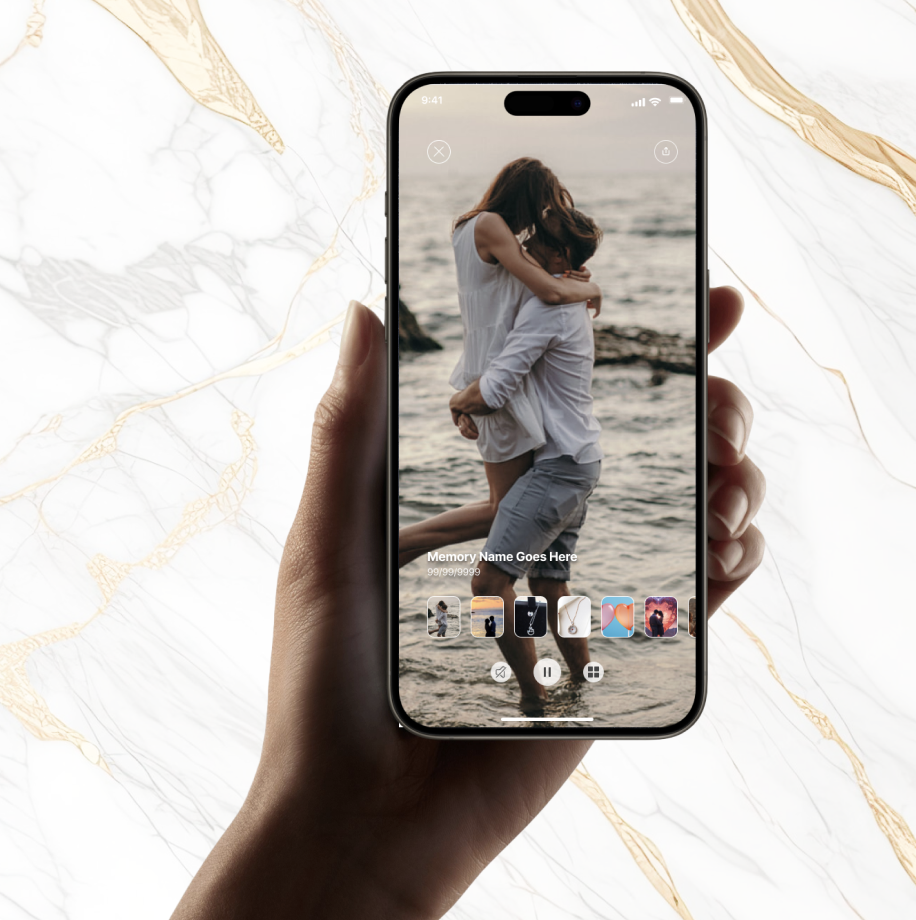
- Upload up to 20 photos and videos in the order you want them to play.
- Sound: choose the default background sound or keep it silent.
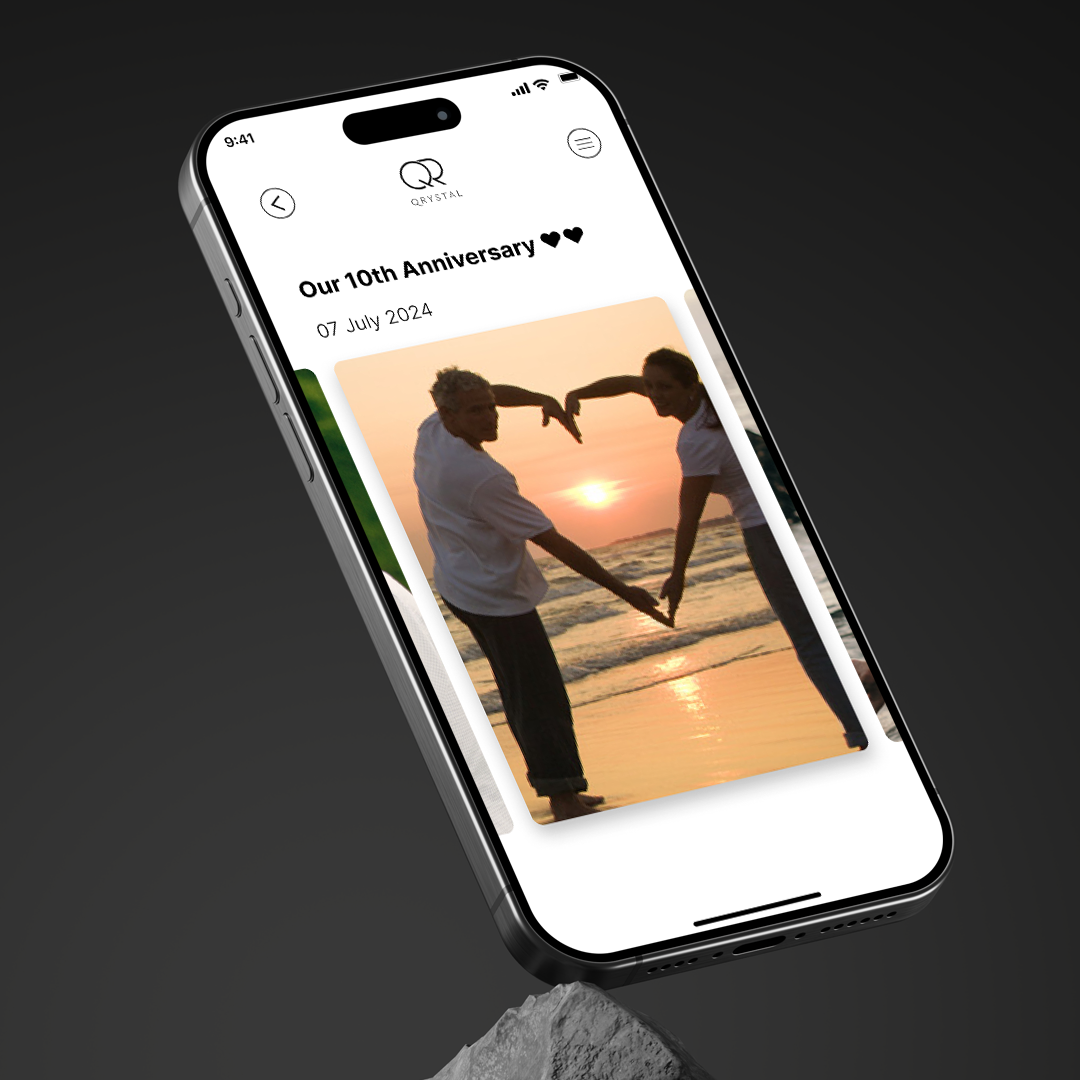
- Preview while selecting. QRystal then composes a single short film from your media — a keepsake made to be watched in one quiet moment.
Sealed once saved
When you save, the Memory is sealed like a love note placed inside a locket. It will not be edited, added to, or trimmed later. This protects the feeling you set today so it stays true for the person it is made for.
Note: You do not need the pendant in hand to create the Memory. Many customers ship directly to the recipient and prepare the Memory in advance from their account.
4. Scan and unlock (first use)
When the recipient opens the parcel:
- They open the QRystal app and tap Scan a QRystal.
- They gently bring the pendant close to the phone’s front camera. The crystal lens helps the phone read the micro QR.
- On first scan, the app prompts them to set a 4-digit PIN. From that moment, only the pendant and the correct PIN can open the Memory.
If the pendant was a gift, the app can offer to let the original purchaser know that the gift was opened.
Tips for a perfect scan
- Use the front camera and bring the pendant close.
- Clean the crystal with a soft cloth.
- Good lighting helps. Hold steady for a moment.
- Ensure you have an internet connection and the latest app version.
Privacy by design
- The pendant does not record audio or location. It is a passive optical key.
- Access needs two things: the physical pendant scan and the PIN.
- Content is encrypted in transit and at rest.
Carry. Connect. Cherish.